

Web UI
artex-cc serve --web adds a dashboard on the same port as the MCP endpoint. Everything Claude records through the tools shows up here live: the exploration graph, findings with their bound traffic, coverage, credentials, and a printable report.
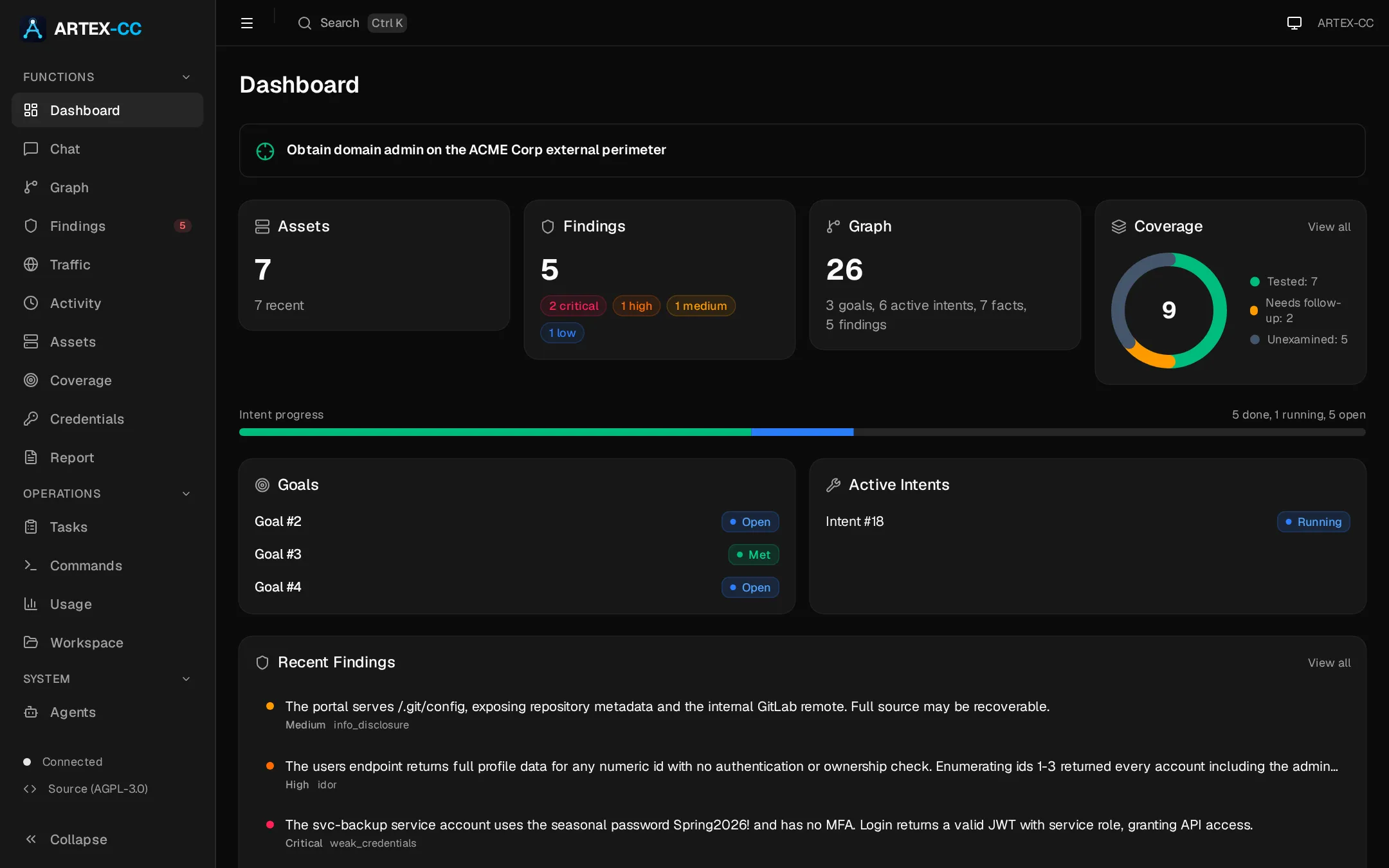
Running it
Section titled “Running it”artex-cc serve --listen localhost:9400 --pg "postgres://localhost/ccartex" --proxy :8788 --webOpen http://localhost:9400. The Docker image runs with --web already.
With --web, the HTTP MCP endpoint at /mcp requires an Authorization: Bearer <token> header. The token is regenerated on every start and written to mcp-config.json in the data directory.
Authentication
Section titled “Authentication”On a loopback listener (localhost, 127.0.0.1) the UI is open by default; pass --auth or set ARTEX_AUTH=1 to require a password anyway. On any other listener, including the Docker image’s :9400, a password is always required.
On first visit the UI asks you to set a password (at least 8 characters). Sessions last seven days. The password hash lives in auth.json in the data directory; delete that file to reset it.
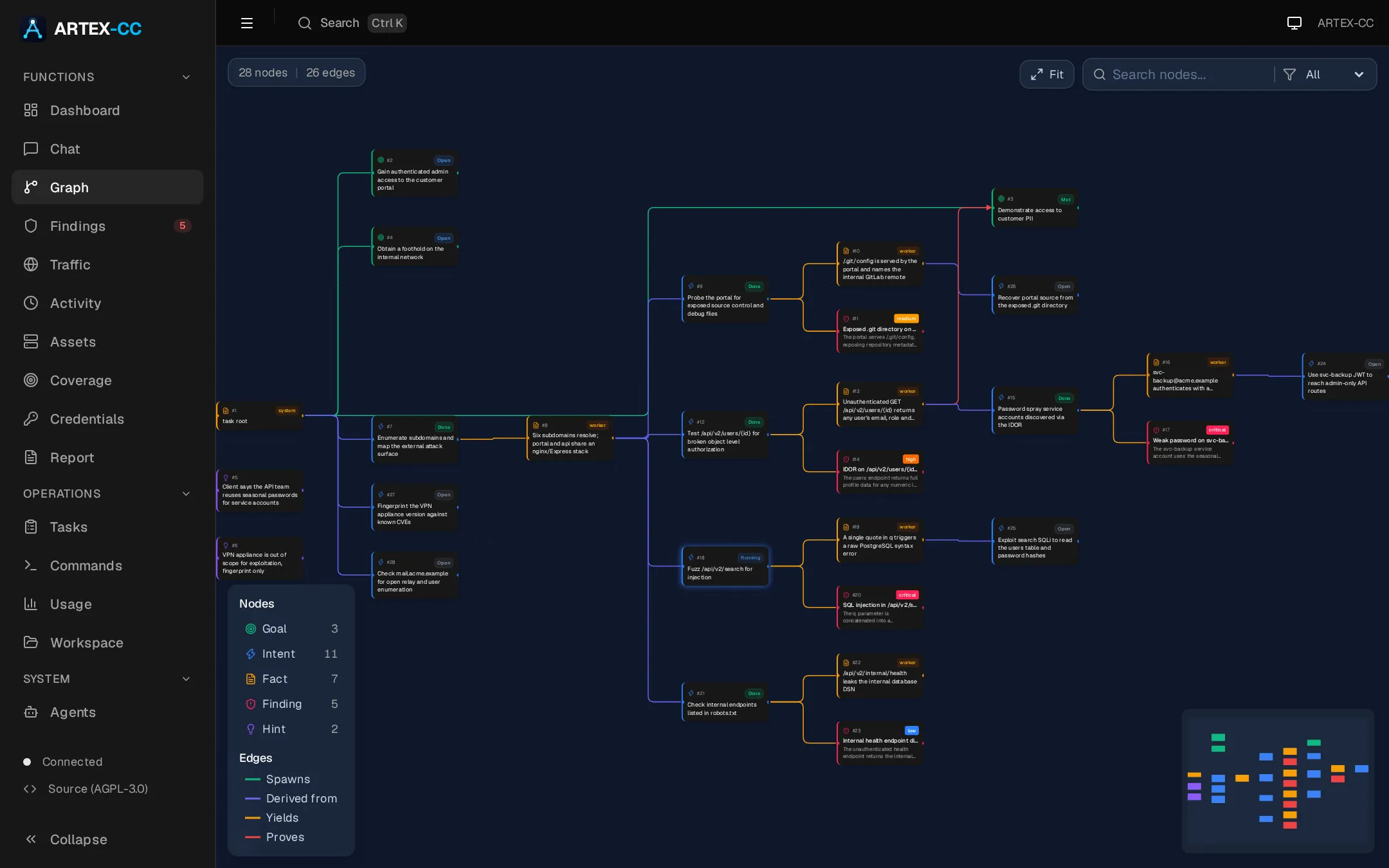
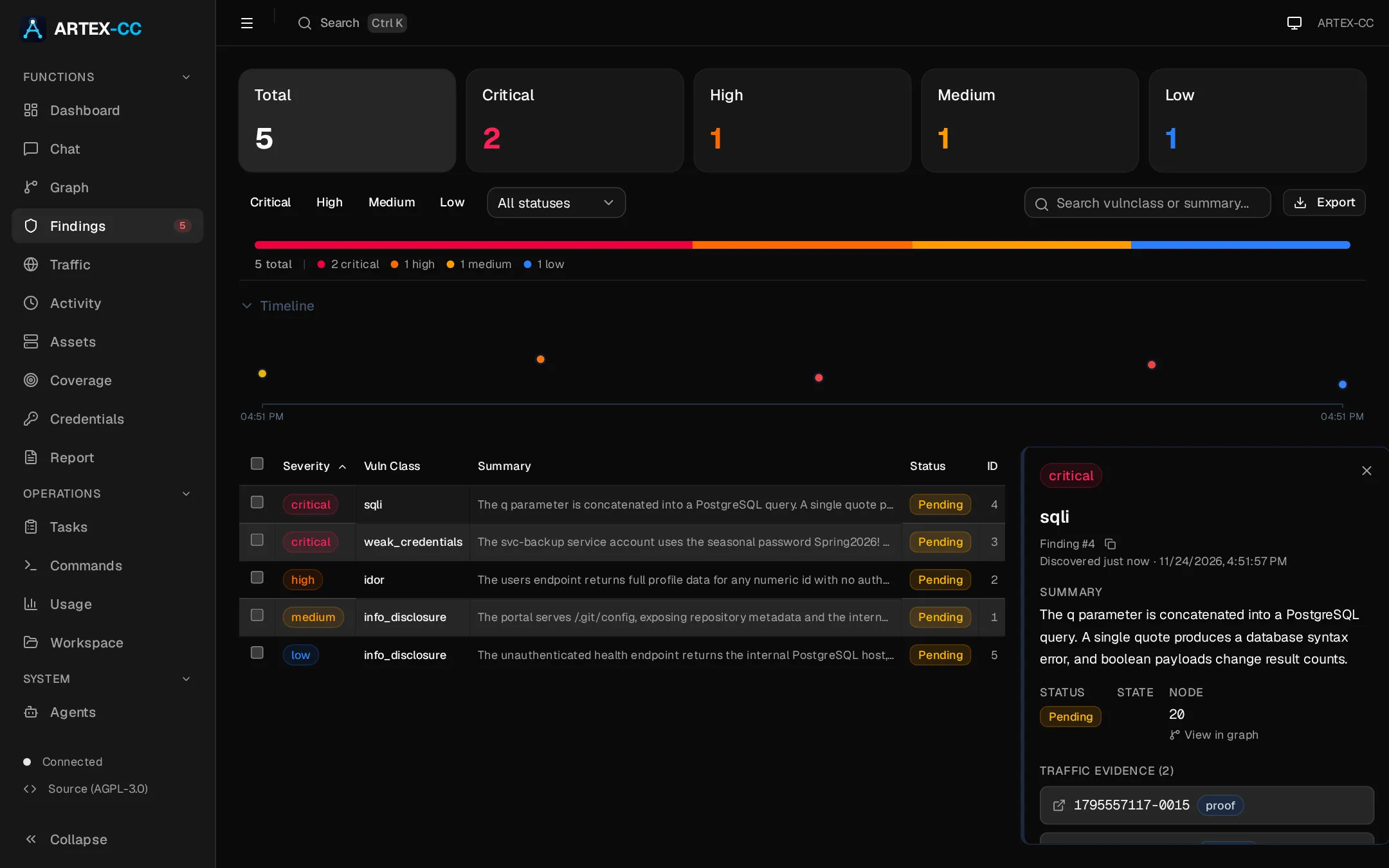
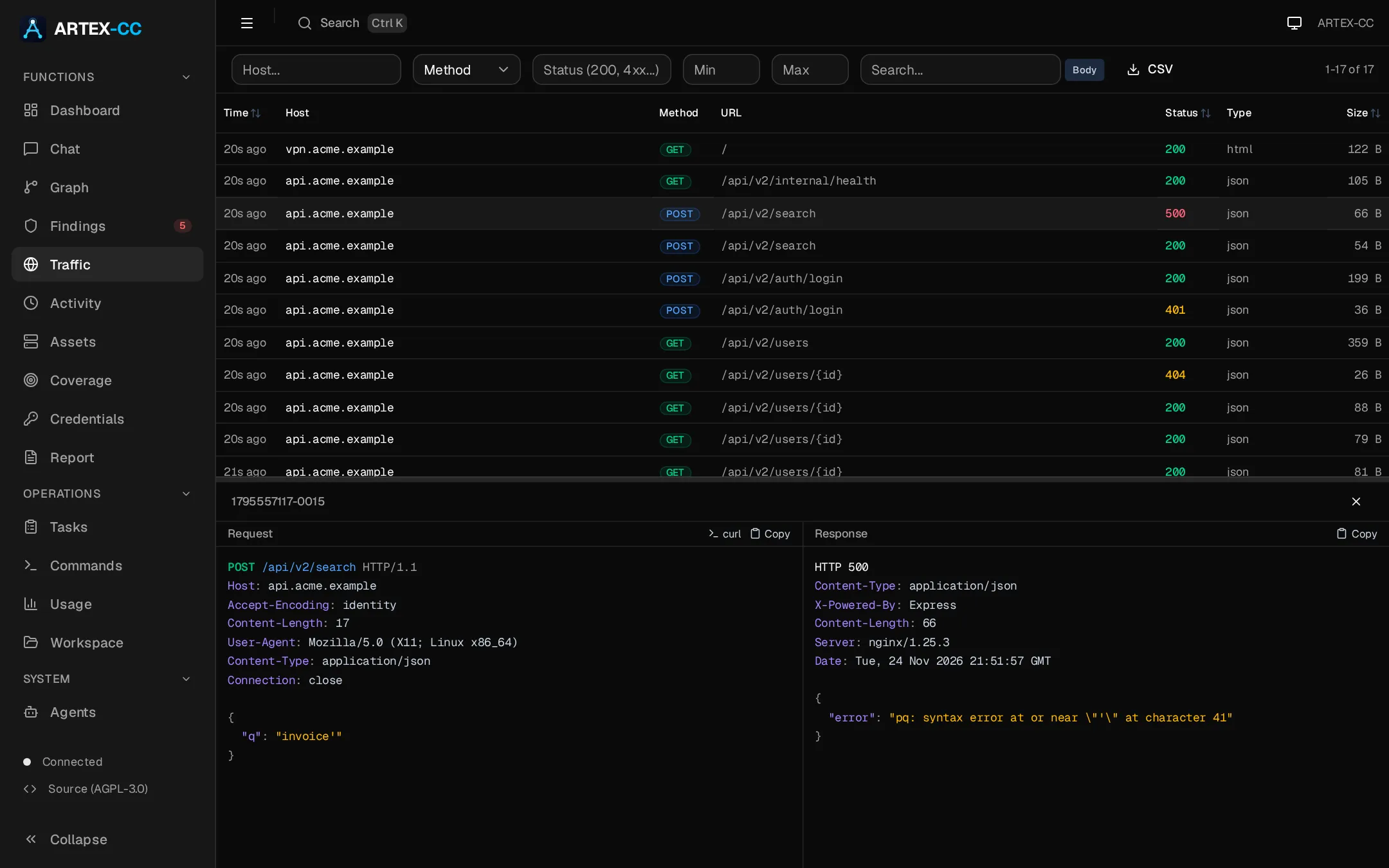
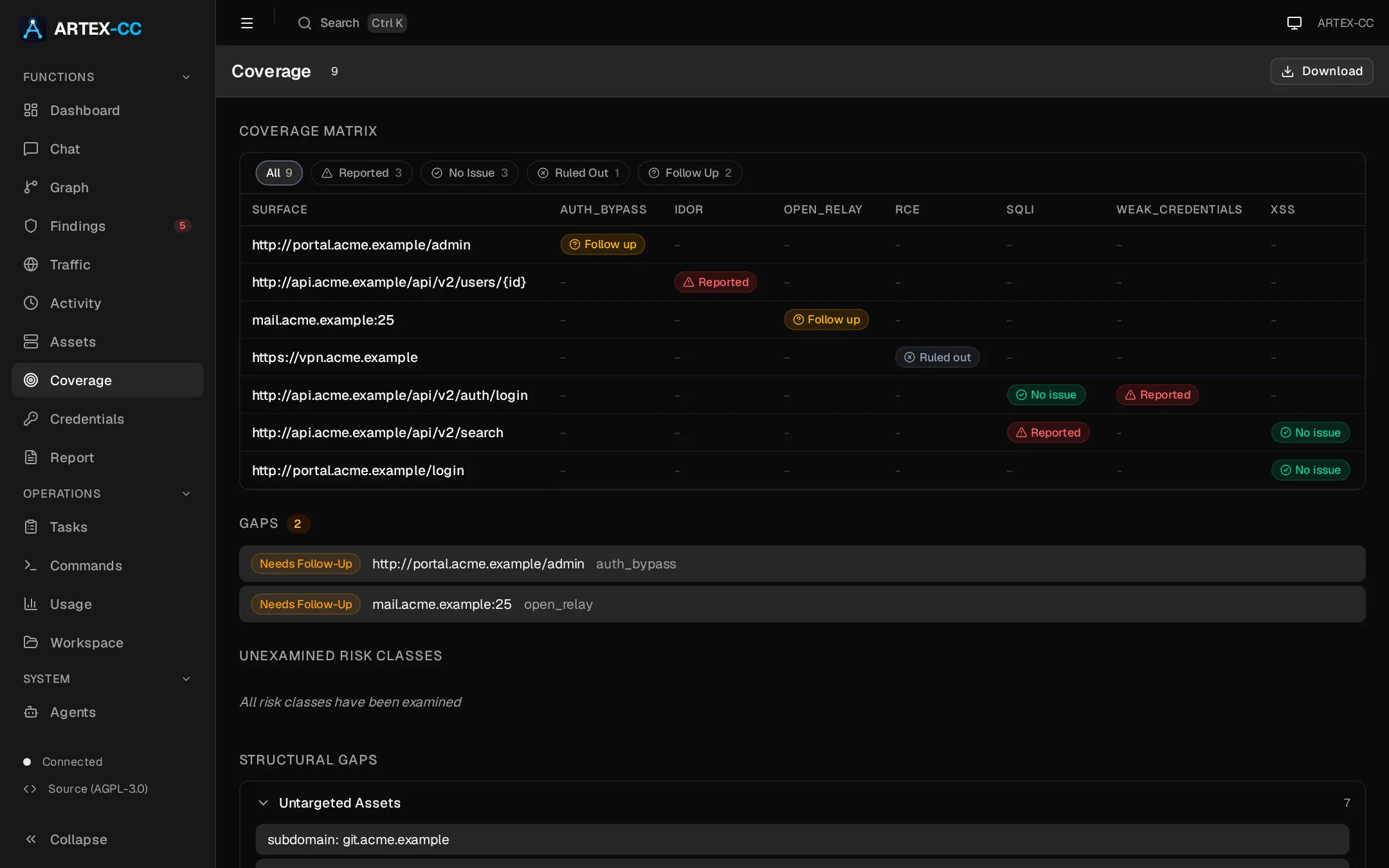
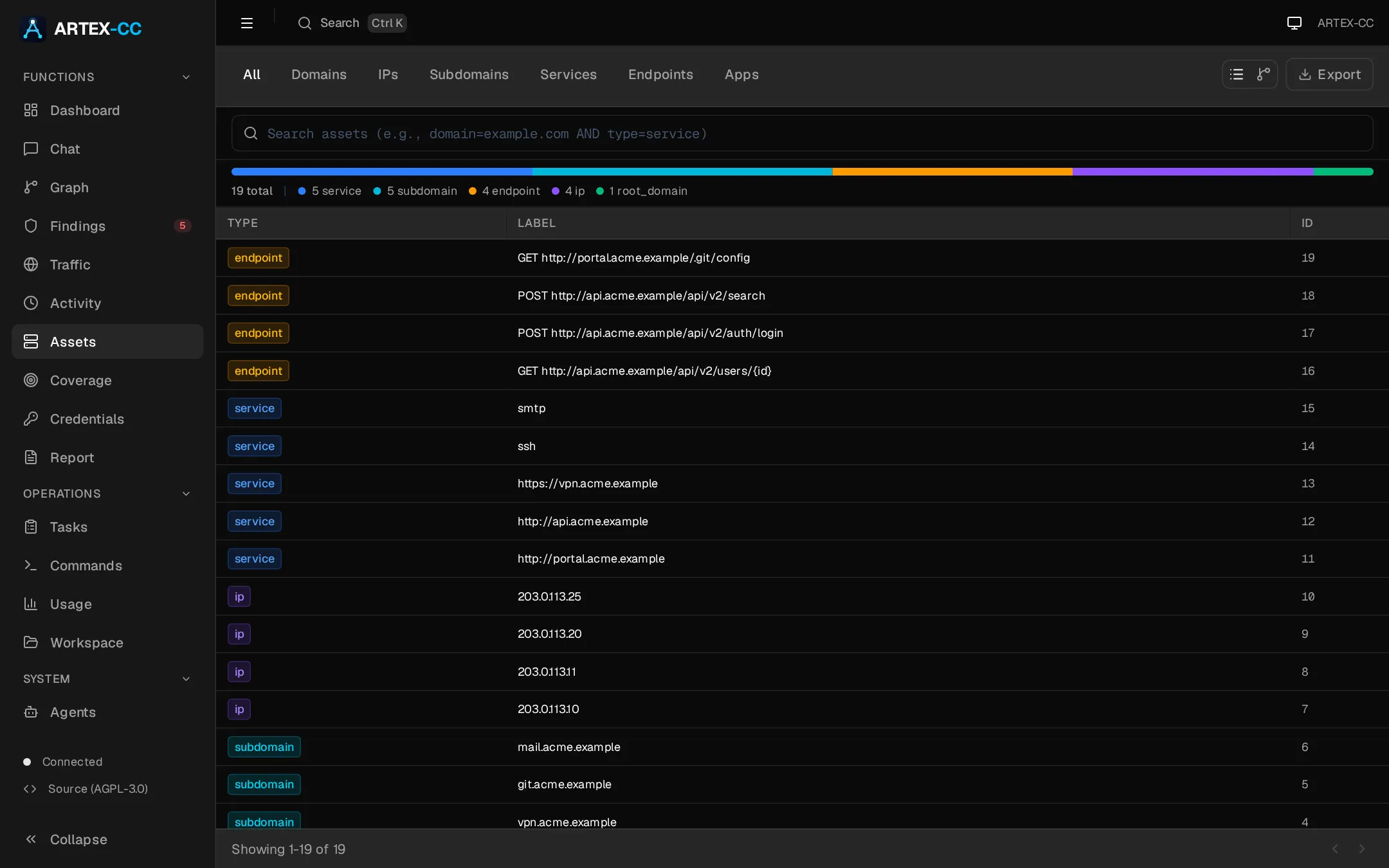
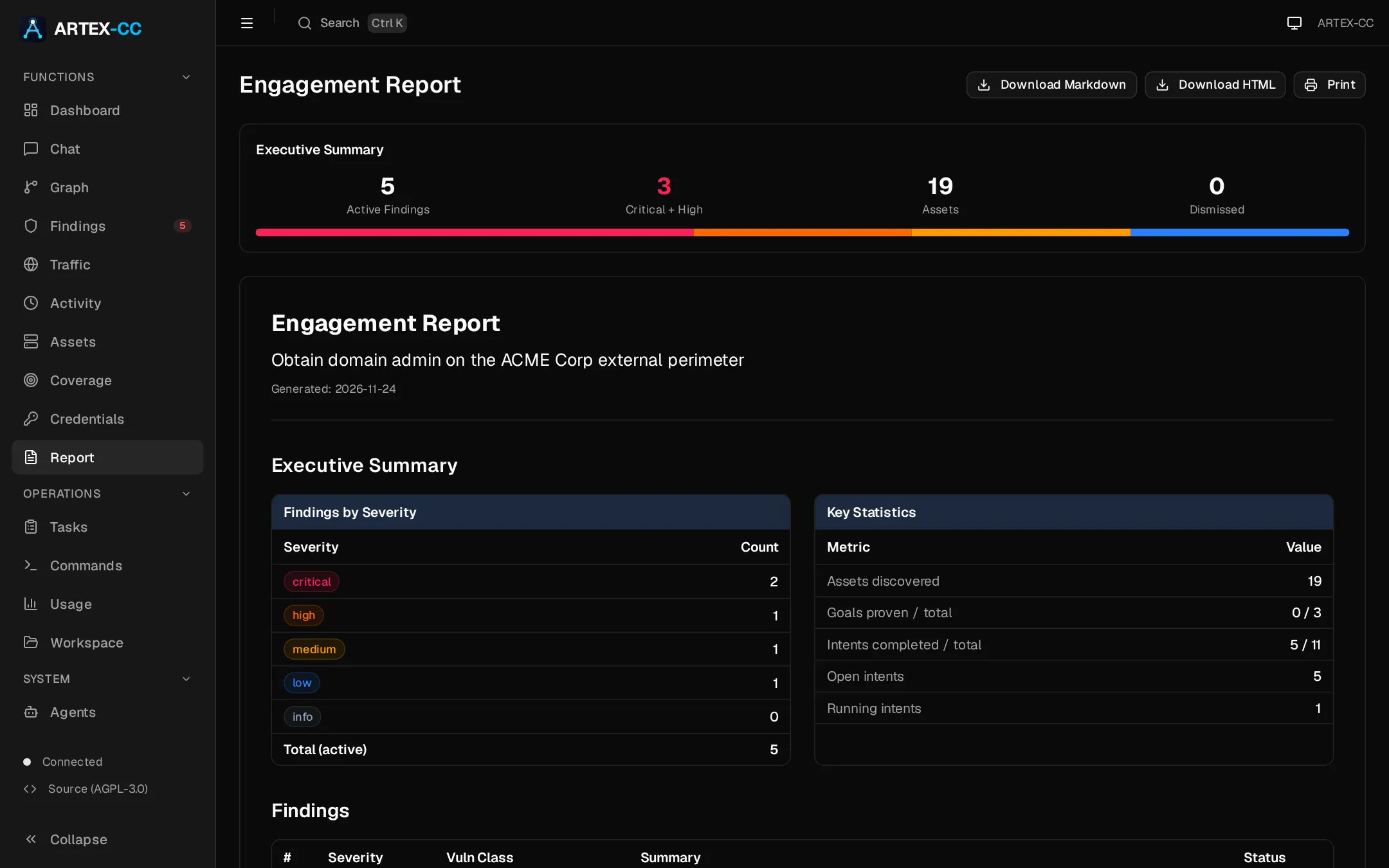
Besides the engagement views, the UI includes:
- Chat with a Claude subprocess runner (uses the
claudeCLI, see--claude-bin), with agents and presets. - Tasks, live logs and a commands log.
- Intercept approvals for tool calls that match allow, deny or ask rules.
- MCP server config, the tool catalog and skills.
- Usage (token usage), a workspace browser and LLM settings.
Screenshots use a seeded demo engagement against reserved *.example names and documentation IP ranges.
Source link
Section titled “Source link”The UI links to its own source code. ARTEX-CC is AGPL-3.0: if you run a modified version as a network service, section 13 requires you to offer its users the corresponding source.